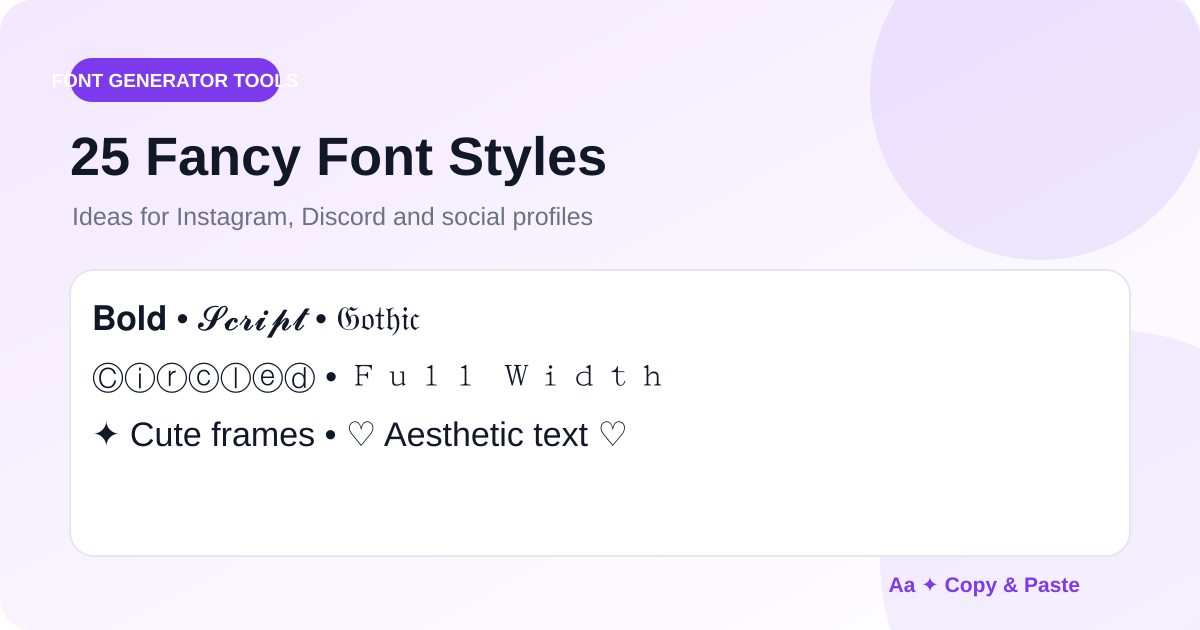
Fancy Unicode text can give a short name, heading or bio a distinct visual tone without turning it into an image. The most effective approach is selective: use decorative characters where they add personality, and keep important information easy to read.
1. Bold serif
A strong choice for names and short headings. It creates emphasis while remaining relatively readable.
2. Bold sans
Clean and modern, useful for social bios, labels and short calls to action.
3. Script
Script-style Unicode can add an elegant or personal feel to names, quotes and profile headings.
4. Bold script
A heavier script works when normal script feels too delicate on a small mobile screen.
5. Gothic or Fraktur
Use gothic text for dramatic gaming names, music-related profiles or themed headings. Keep it short because readability drops quickly in longer sentences.
6. Double-struck
Double-struck letters have a distinctive mathematical look that can work for technical, academic or quirky profile text.
7. Monospace
A good fit for developer profiles, coding communities and minimalist technical aesthetics.
8. Circled text
Circled letters are playful and easy to spot in a short label or display name.
9. Full-width text
Full-width characters create extra visual spacing and can suit retro, gaming or East-Asian-inspired design moods.
10. Small caps
Small caps work well for compact profile labels and understated headings.
11–15. Spacing and line effects
Spaced letters, dot spacing, underlining, double underlining and overlines can create emphasis without replacing every character with a different alphabet.
16–20. Playful effects
Reversed text, upside-down text, sparkle frames, heart frames and flower frames are best for casual profiles, messages and themed posts.
21–25. Platform-friendly combinations
Try a bold name with a plain-text description, a script heading with a readable link, a circled short label, a monospace developer role, or a decorative frame around one short phrase. The Fancy Fonts Generator and Discord Fonts Generator make it easy to compare these approaches.
Keep accessibility in mind
Screen readers and search systems may treat decorative Unicode differently from normal letters. Keep important instructions, contact details, URLs and essential information in ordinary text. Use fancy styles as a visual accent.
Test before publishing
Paste the final text into the real destination app and check it on mobile if possible. If a character appears as an empty box or looks too difficult to read, choose a simpler style.