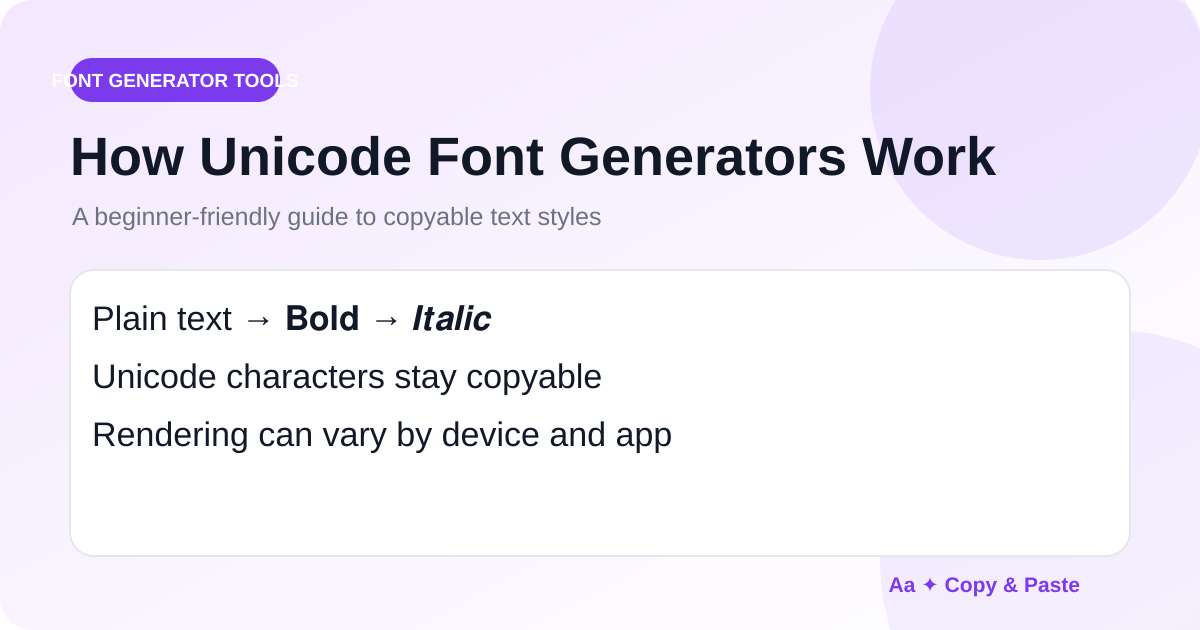
A copy-and-paste font generator may look like it is changing the typeface of your words, but many tools work in a different way: they replace ordinary characters with visually similar Unicode characters.
What Unicode actually does
Unicode is a standard that assigns code points to characters used by writing systems, symbols, mathematics and many other forms of text. Some Unicode blocks contain letters that resemble bold, italic, script, gothic, double-struck or monospace text.
Why no font installation is required
A traditional font file changes how a character is drawn. With Unicode styling, the character itself changes. For example, a normal Latin letter and a mathematical bold letter are different Unicode code points even if they represent a similar-looking letter. Because the result is still text, you can usually select, copy and paste it.
Combining marks create another kind of effect
Some styles use combining characters. An underline, overline, dot or strike can be attached to a base character. These effects depend heavily on the destination font and renderer, so spacing may vary.
Why the same text looks different on another device
Your operating system, browser and app choose the font used to display each Unicode character. One device may have a polished glyph while another uses a fallback font. Very old systems may show a missing-character box.
Unicode text is not the same as a real custom font
A licensed typeface gives designers control over weight, kerning, spacing, OpenType features and a complete character set. Unicode generators are better for portable decorative text in places where you cannot choose a custom font directly.
Where Unicode styles work well
They are useful for short profile text, usernames, display names, captions, community labels and creative messages. You can experiment in the Cool Fonts Generator and compare the same phrase across many Unicode alphabets.
Where plain text is safer
Use ordinary text for passwords, code, commands, URLs, official forms, legal names, accessibility-critical instructions and anything that needs reliable search or machine processing. Decorative characters can look similar to ASCII while technically being different characters.
A practical workflow
- Write the message in normal text first.
- Generate a few styles.
- Choose the simplest style that gives the visual effect you want.
- Paste it into the final app.
- Check readability and character support before publishing.